WhatsApp Adds View Once Text Messages for Android Beta Users
-
Shoaib Nasir
-
- Published November 14, 2026
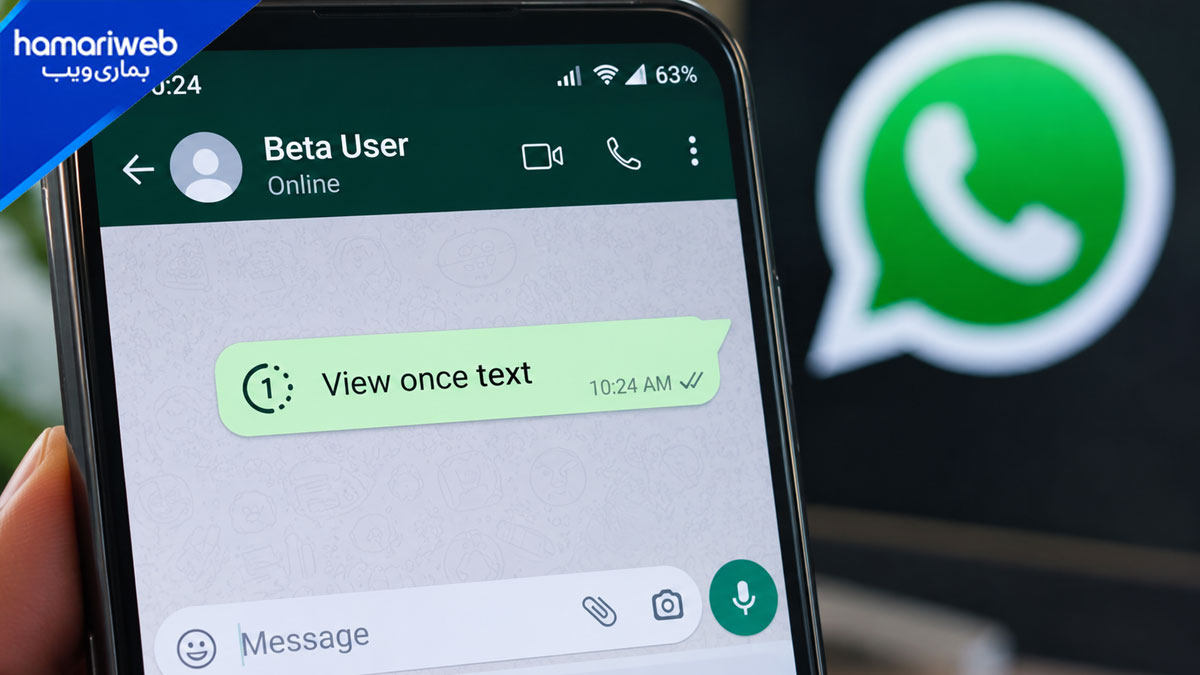
WhatsApp has started rolling out View Once for text messages on Android beta. A recipient can open the message only once, and then it disappears from the chat.
WhatsApp also blocks screenshots, screen recordings, copying, and forwarding while the message is open. The feature is live for some testers on beta version 2.26.45.6, and more users will get it over the coming weeks.
How to Send a View Once Text
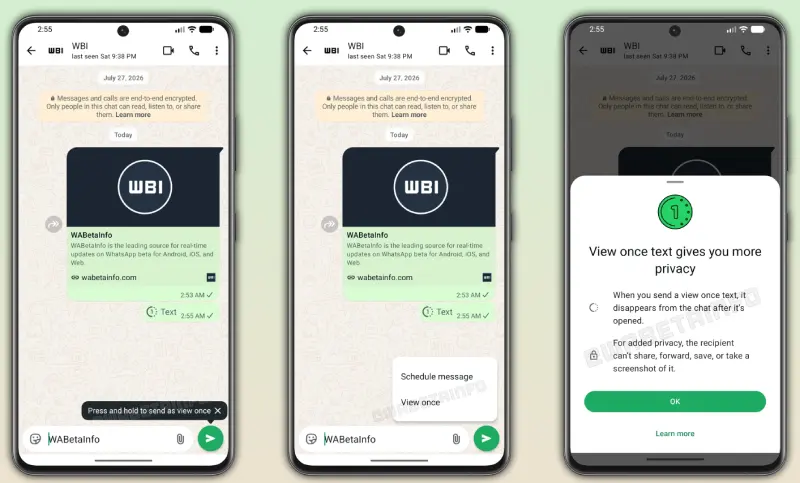
Users could already send photos, videos, and voice notes in View Once mode. Text messages now get the same option. According to WABetaInfo, the steps are:
- Type your message in the chat bar.
- Press and hold the send button.
- Tap “View once” from the menu.
WhatsApp sends the message right after you tap the option. The menu also shows a schedule option, but you cannot schedule a View Once text for now.
If the feature is on for your account, WhatsApp shows a short tutorial message at the bottom of the chat.
What the Receiver Sees
The text does not appear in the chat. The receiver must tap it to read it on a separate screen. Once they close that screen, they cannot open it again.
WhatsApp then replaces the message with an “opened” mark in the chat. If you have read receipts on, you can see when the receiver opened it. After that, neither person can see the text.
What WhatsApp Blocks
While the receiver reads the message, WhatsApp blocks screenshots and screen recordings. The receiver cannot copy the text, forward it, or save it. They also cannot tap and hold on the message, so these options do not appear.
When It Helps
WABetaInfo says the option suits private details, such as a password or a one-time code. The message does not stay in the chat history after it is read. You can also use it for a message you do not want shown the moment someone opens the chat.






Leave a Reply