BSEK Issues Instructions for New College ID Cards for First-Year and Second-Year Students
-
Ifrah Aqeel
-
- Published October 14, 2026
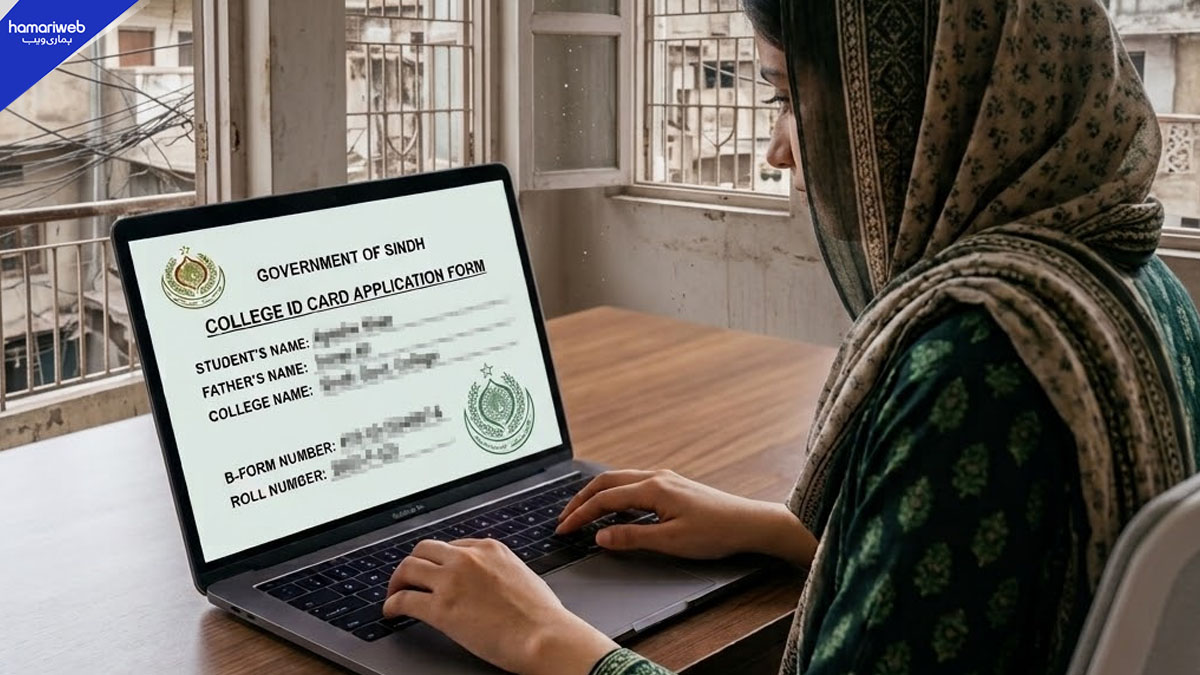
Students enrolled in the 2026–2027 session can create their new college ID cards online through the Sindh government’s SECCAP portal. They must upload a recent photograph before downloading the card.
The Board of Secondary Education Karachi (BSEK) has shared instructions for first-year and second-year students to generate their new college student ID cards online for the 2026–2027 session
Students can create an account and download their cards through the official SECCAP portal using a mobile phone or computer.
How to Create a College ID Card Online
- Open browser on a mobile phone or computer
- Visit the official website: https://seccap.dgcs.gos.pk
- Open Sign In and click Create an Account
- Enter the required information: full name, B-form or CNIC number, class 9 and matric roll number, email address, password, and confirm password
- Submit the details to create an account
How to Upload a Photo and Download the ID Card
After creating an account students must upload a recent photograph to their profiles.
- Go to My Profile, then Application Detail, and then Your Photo
- Upload a recent photograph
- Return to Home and then to College ID Card.
- Download the college ID card.
Important: Students should upload their photographs before downloading their cards. If they download the cards without uploading a photo the photograph will not appear on the ID card.
Students should complete the process using the official SECCAP portal and ensure their details are correct before downloading their cards.
Ifrah Aqeel
Ifrah Aqeel is a news writer and editor covering entertainment, trending stories, and major national and international developments. She specializes in breaking down fast-moving news, viral trends, and current events into clear, engaging content. Backed by a disciplined editorial background, Ifrah brings a fast, factual, and research-driven approach to every story she covers.






Leave a Reply